
Warhammer Survivors demo
Play the Warhammer Survivors demo on Steam or Xbox PC. The new demo adds the Legend of Catachan and Lyssa Ravenya. Progress from the previous demo does not carry over, and demo progress does not transfer to the full game.
Choose Download Demo on the game page. Xbox PC is also an announced demo platform.
Start on PC
Open the Steam game page and choose Download Demo. Install it in your Steam library rather than downloading an unofficial installer. The full game and the demo have separate entries.
- Open the official Steam page using the button above.
- Choose Download Demo and finish the installation in Steam.
- Launch the demo from your library; the full game remains a separate purchase.
Keep demo progress in perspective
Start fresh if you played the earlier demo. Its save data is not imported into the new version. Do not plan a full-game unlock route around demo progress: a fresh full-game save begins separately. The original demo centred on Malum Caedo and Neave Blacktalon; that earlier description is not the new demo content list.
What changed in the new demo
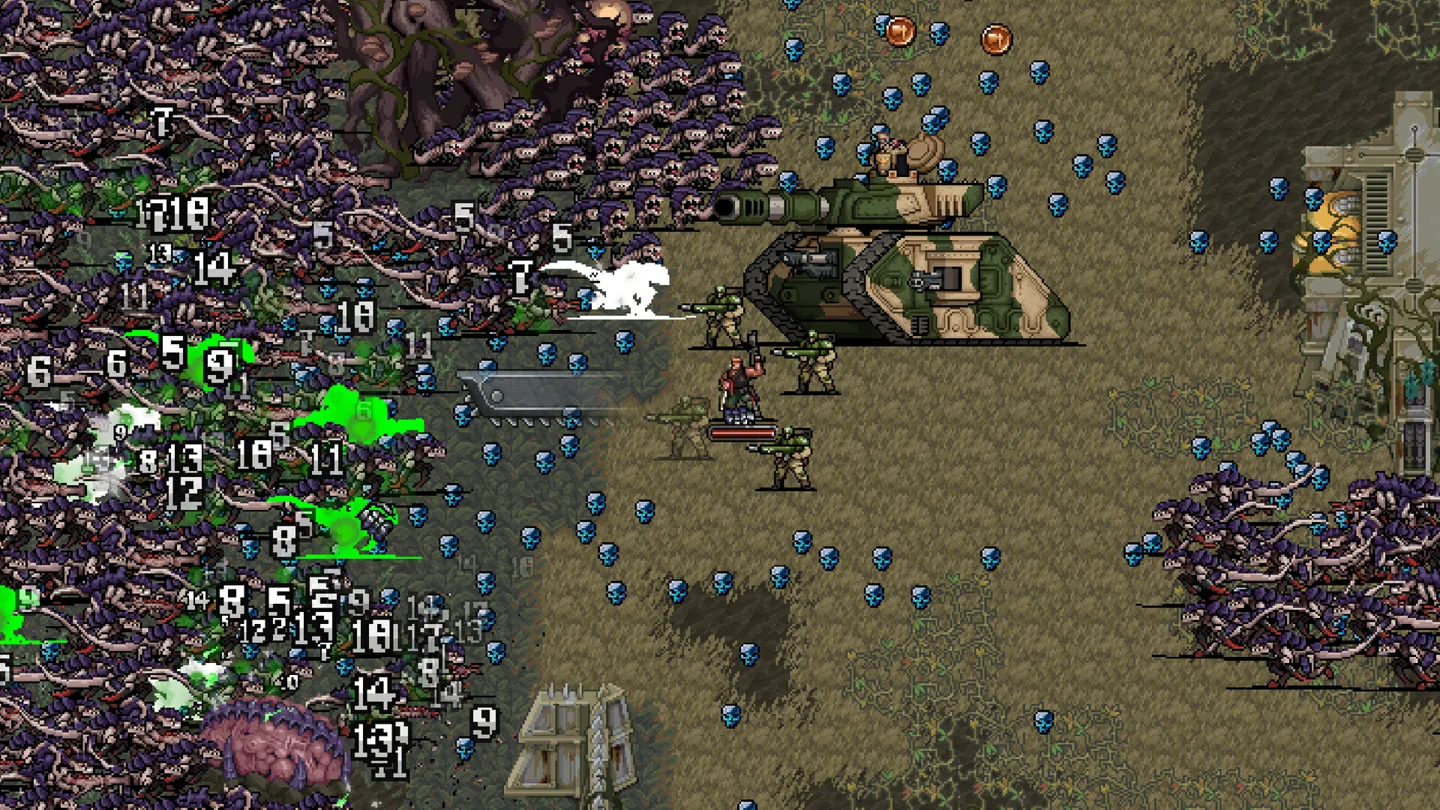
The Legend of Catachan brings Frag Grenade attacks to the Warhammer 40,000 side. Lyssa Ravenya brings Rope and Grapnel to Age of Sigmar. New weapons, abilities and gameplay improvements accompany the additions. The two universes keep separate champion selections.
PS5 and Xbox console demo?
The new demo announcement names Steam and Xbox PC. The announced full-game console releases include PS5 and Xbox Series X|S, but those platforms are different from Xbox PC. Choose the PC download when you want to try the demo.